
Integrating existing systems
Orders, payments and fulfilment move through existing systems without manually re-entering the agreed data. We connect your CRM, records and services while keeping what already works.
- Event in the source system
- Validate and transfer data
- Confirmation or error handling
We agree the specific scope and rules around your task.
On this page
When this helps
- Orders, payments and fulfilment are already managed in separate systems.
- Staff transfer data manually and reconcile discrepancies.
- A new channel or service needs to connect to the existing records.
What you get
- Agreed data moves between systems, so staff do not need to enter it again.
- An order, payment or other transaction follows the complete agreed workflow, tested against real scenarios.
- Your team knows how to monitor data exchange and handle errors, with operating rules and instructions.
The main deliverable is a connection between existing systems. A new full portal, workspace or app is development work and can form a separately defined part of the same project.
Where we start
How can we connect the systems we have so an operation can move between them?
Follow one operation and define which data must move, from where and to where. Check access and connection options.
Relevant project experience
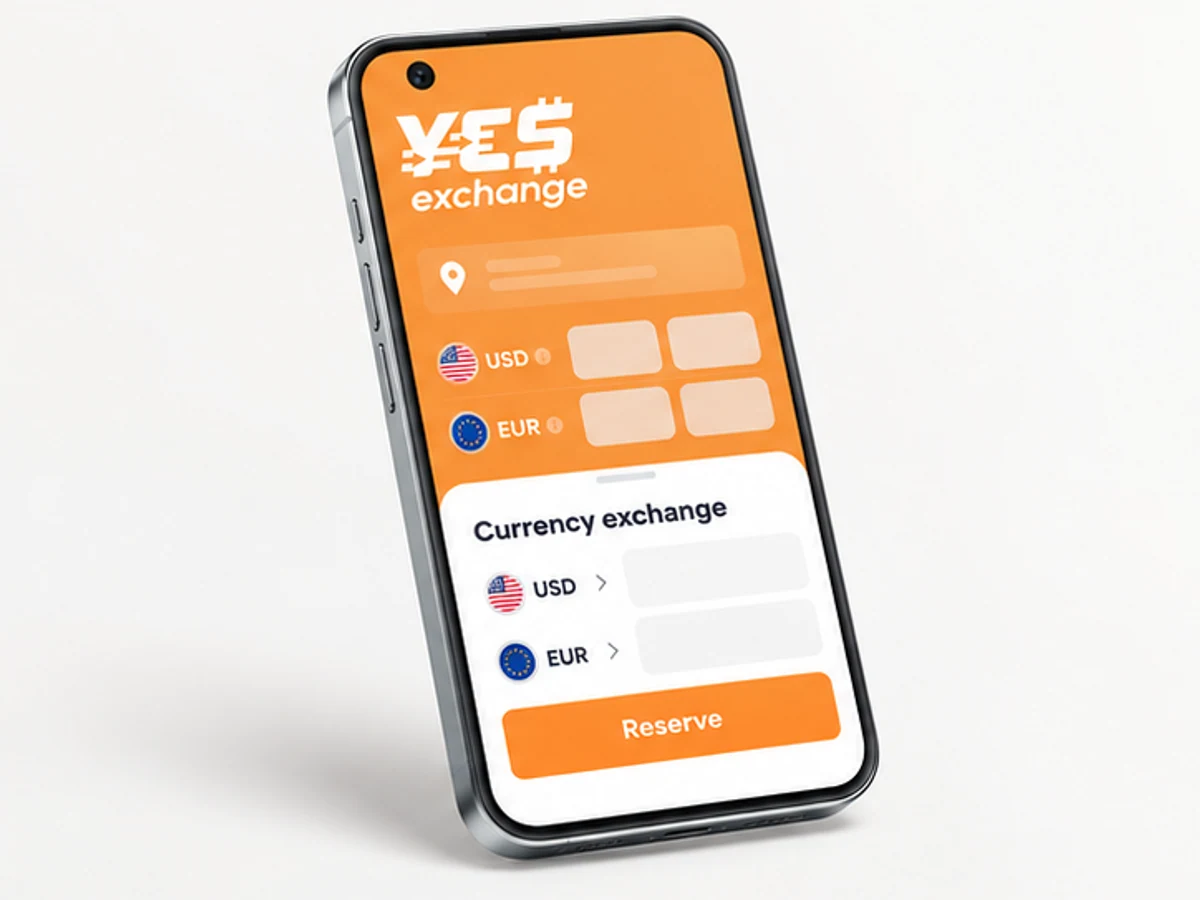
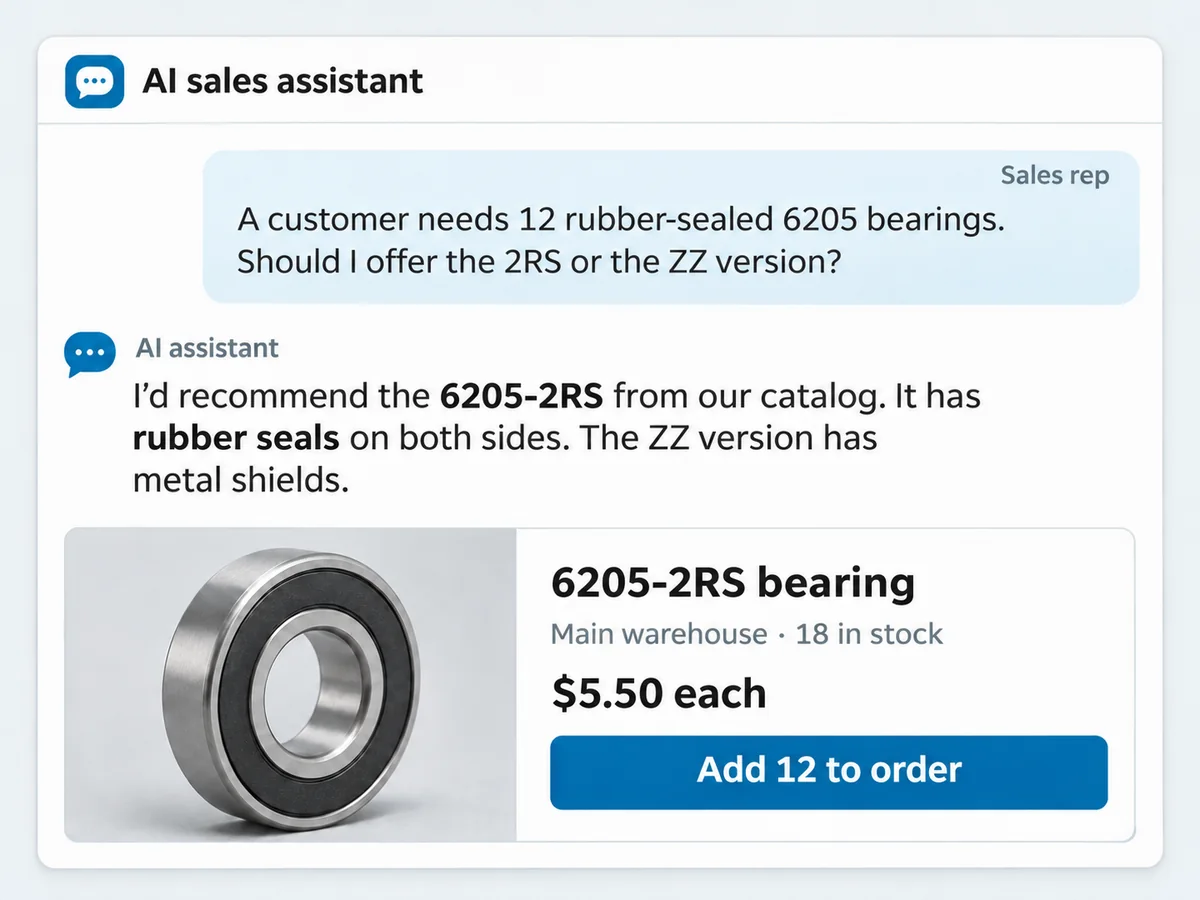
In these projects, customer and staff actions connect to business records and CRM. The cases show the complete workflow across systems.
How we choose a solution
Keep what works, choose suitable products, connect your data and build the missing parts.
How we workA fixed price for an agreed outcome
We agree the outcome, scope, price and acceptance criteria before work begins. Scope changes are discussed separately.
Source code, access and documentation come under your control. Support and development are agreed separately.
Before you begin
Connect CRM, accounting and business tools without replacing all your IT
How to review disconnected systems, identify gaps in a process and decide what to keep, buy, connect or build, with examples of acceptance criteria.
Where to start with business automation: from problem to first result
How to choose the first process to automate, define the outcome, compare solutions and check the effect. A practical brief for business owners.
Finding the current document and tracing its issue
Catalogue, versions, search, permissions and issue records: how to make a large archive usable. Practical questions from the NKGF project.
How can we connect the systems we have so an operation can move between them?
Follow one operation and define which data must move, from where and to where. Check access and connection options.