Turning a teaching method into a digital product
Connect assessment, individual plans, materials and mentors. Decisions for an educational team, illustrated by Shanyraq Study.
In this article
For a teaching method to work in a digital product, learners need a clear route: where to start, what follows a result and when a mentor becomes involved. The team needs a way to manage that route and see the learner's work. A lesson catalogue may be part of it, but does not by itself describe the learning logic.
Start with decisions a teacher makes today. How is the starting topic chosen? What follows an error? When is a learner ready to continue? The academic team needs to understand these rules before selecting platform features.
Describe one learning journey
Choose a topic for which you have materials and clear assessment criteria. Describe the learner's route from entry to the next decision. If assessment determines the route, specify which answers change it. If no assessment is needed, explain how the starting point is selected.
Illustrative example: a learner handles simple problems confidently but makes mistakes in a particular type of transformation. The method may direct them to an explanation, then exercises and another check. The platform's task is to apply the agreed rule correctly and show it to participants. The educational team defines that rule and the signs of mastery.
Also describe what happens when information is insufficient. A skipped assessment, an unfinished test and an incorrect answer may need different responses. Grouping them into one red status makes it difficult for a mentor to understand what happened and how to help.
Connect a result to a specific next step
Assessment serves a product when its result changes the available route. Each identified topic needs materials, practice, checking conditions and a next step. If content is not yet ready, that is a launch dependency to discuss before development.
| Method decision | What the product must support |
|---|---|
| Where to start | A clear entry action and explanation of the result |
| What to study or revise | A plan linked to specific materials |
| How to check completion | Tasks, criteria and answer history |
| When a mentor intervenes | A visible reason and a way to continue the work |
| What follows | The next topic, revision or an agreed pause |
Test more than the correct answer. For mathematical tasks, for example, decide which forms of notation are equivalent. For a free-text answer, identify who assesses it and against which criteria. These differences affect assessment workload and development requirements.
How participants connect in Shanyraq Study
In Shanyraq Study, the academic team defined the supplementary education method, while Sailet translated it into data, algorithms and interfaces. The work included a mobile app, backend and employee tools.
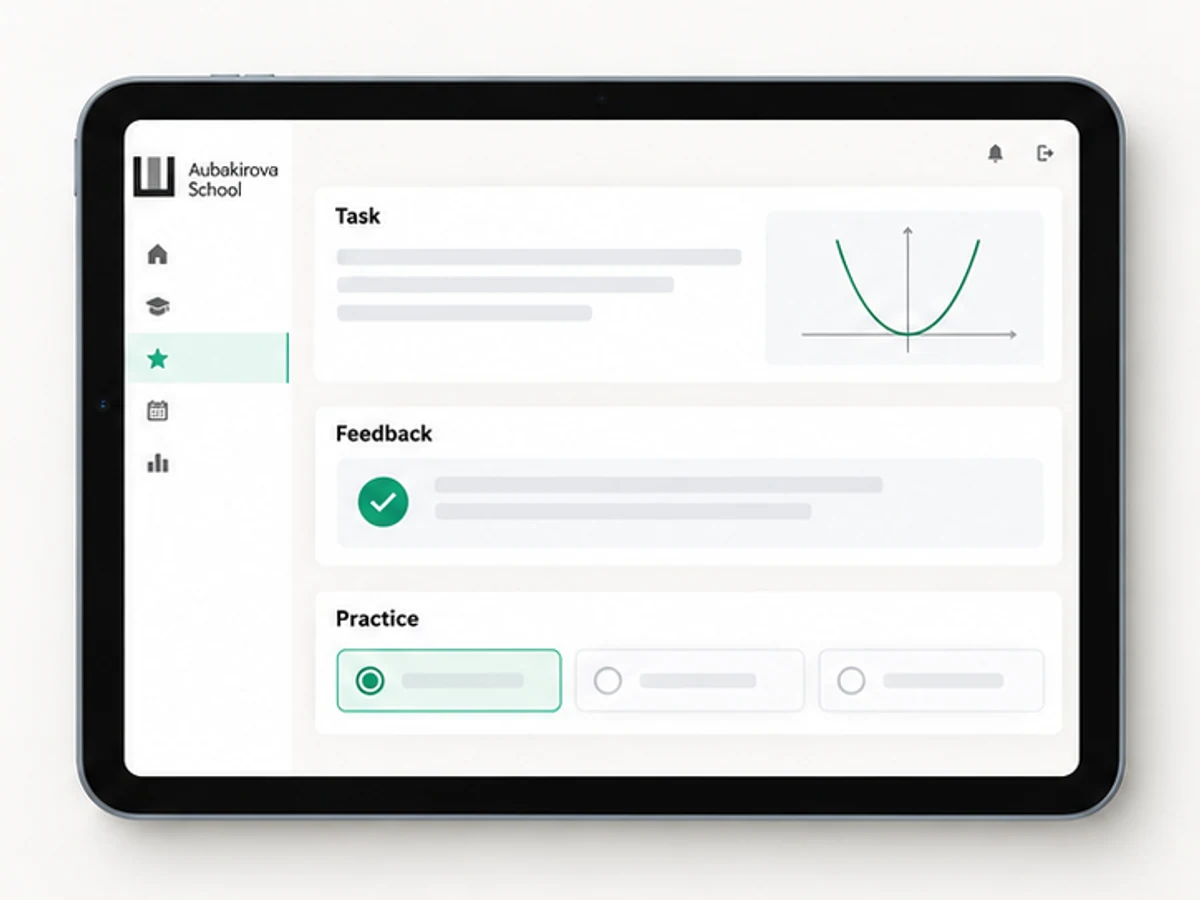
The assessment changes its course according to answers and generates a study and revision plan. That plan links to videos, texts, exercises and final tests. Mathematical tasks include checks for equivalent expressions. A mentor can see results and the learning history of their assigned learner.
A parent links their account to children and sees their activity. Employees manage courses and subscriptions. The method gained a technical foundation for selling and supporting personalised learning. The project materials do not claim measured improvements in grades or retention; they substantiate the working product's scope.
Separate learning from access rights
Course purchase, subscription duration and learning progress answer different questions. When a subscription ends, the team may still need the learning history. When access is extended, it needs to know where the learner resumes. Check these decisions in advance.
In Shanyraq Study, learning level and access rights are recorded separately. Employees can activate, change and extend subscriptions; a manager opens access after payment is confirmed. Later, the platform added courses without an initial adaptive assessment while retaining shared data and team workflows.
This is useful when selecting an existing platform. First check whether it supports the required route, roles and access changes. Then assess configuration costs and constraints. Custom development has a basis where an important part of the method cannot be implemented acceptably.
Make the mentor's work visible
Define which learners need attention and what signals that need. A mentor needs answer context, previous attempts and a way to record their action. A continuous list of every event may overload the workspace, so the educational team should set priorities.
For the learner, state the outcome of each step: what was accepted, what should be repeated, where to find an explanation and how to ask a question. Show parents information appropriate to their role. Do not copy a mentor's working screen for them without checking whether it helps them understand their child's situation.
How to test the first version
Complete the journey with different examples: successful completion, a repeated error, interrupted assessment, a mentor action and a subscription change. Check that participants see the agreed information and understand what follows. Evaluate usability and learning impact separately, using criteria set by the academic team.
For a practical discussion with Sailet, prepare one topic, materials, example answers and rules for the next step. We will examine what an existing platform supports, where integrations are needed and which features require development. The initial scope can centre on a complete learning journey and the tools needed to support it.